



Gigaspinz App
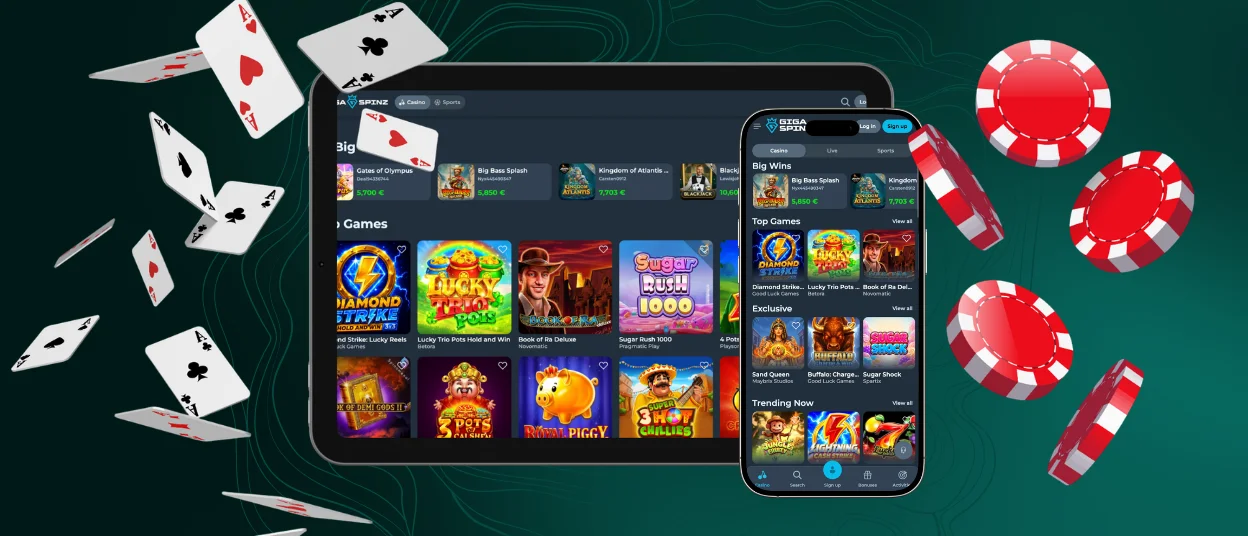
The Gigaspinz app brings the full desktop experience straight to your phone screen, and you don’t need to download heavy files. Maybe you want to spin a quick round during lunch or check your active balance from the couch – our mobile casino keeps your account completely connected across every device you own.



Gigaspinz Mobile
Playing on a smartphone completely changes your rhythm. When you tap a mobile screen to cash out a crash multiplier or fire off spins on online slots, it feels direct and tactile. Using Gigaspinz Casino on your phone places primary action controls right under your thumb for easy one-handed play in portrait mode.
Opening several live dealer tables at once can feel tight on a smaller display, and streaming high-definition video uses more battery when you are off Wi-Fi. Still, for speed and convenience, a modern Giga Spinz mobile casino layout delivers pure flexibility.
| Real-Life Gaming Scenario | Playing on the Gigaspinz Casino App | Playing on Desktop | Best Pick |
| Weekend Gaming | Easy one-handed tapping without leaning over a desk | Requires balancing a laptop or sitting at a PC | Mobile App |
| Multi-Table Live Dealer | Compact view with single-stream focus | Large screen space for multiple live feeds | Desktop |
| Quick Break | Launches in two seconds straight from the home screen | Slower boot-up and browser navigation | Mobile App |
| Detailed Account Setup | Touchscreen typing on a smaller keyboard | Full physical keyboard for faster form filling | Desktop |
Efficiency and Software Responsiveness
Gigaspinz Casino uses progressive web technology. This lightweight setup relies on your browser’s built-in engine and stores site graphics locally after your first visit, so future pages open almost instantly.
Because menus and graphics stay saved directly on your phone, browsing inside the Giga Spinz app feels exceptionally fast. Game categories load without annoying buffering wheel delays, slots run at high frame rates, and live server updates keep your balance and bonus progress in sync across all devices.
Getting Started with Gigaspinz on Android
Setting up an Android phone or tablet takes under a minute and completely skips standard app store steps. Since the site works as a responsive web launcher, you don’t need to hunt down executable APK files or tweak settings to allow unknown sources.
Here is how to set up the Giga Spinz app on your Android device:
- Open Google Chrome or another browser and head over to the official homepage.
- Tap the three vertical dots in the top right corner to open your browser menu.
- Select “Add to Home screen” or “Install app” from the list.
The launcher icon drops right onto your home screen in seconds. Hardware demands stay remarkably light too. Any phone running Android 8.0 or newer handles Gigaspinz Casino smoothly, spinning graphics-heavy slots without hardware lag.
Gigaspinz Desktop Access and PWA Security
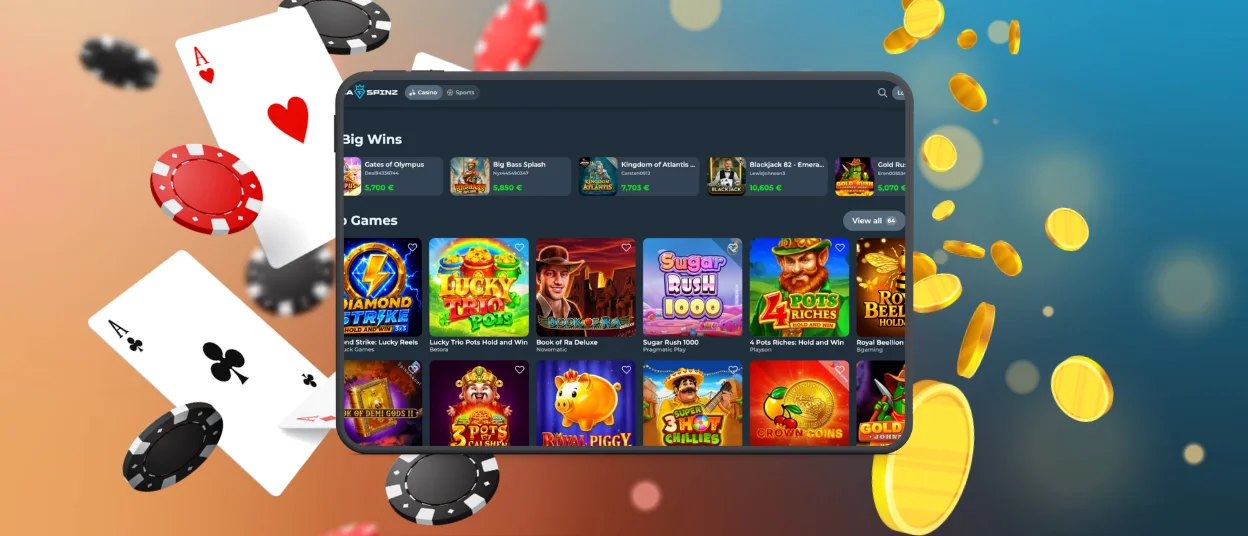
For players who love a wide monitor view, Gigaspinz Casino runs smoothly on Windows and macOS using Chrome, Edge, or Safari. Widescreen display space makes multi-tab browsing and HD live streams look great, while desktop processors handle long playing sessions easily.
Choosing the Gigaspinz app through a web launcher brings solid security advantages over installing traditional downloadable software:
- Every piece of data moving between your browser and the cashier uses TLS 1.3 encryption, keeping your financial details private.
- Web integration allows single-click sign-ins while backing up account security with standard multi-factor authentication prompts.
- You never download executable files onto your hard drive, keeping your computer safe from software risks or background scripts.

Giga Spinz for iOS
Apple users get a smooth handheld experience built specifically around iOS performance. Running the Gigaspinz app on an iPhone or iPad eliminates enterprise certificate errors.
Here is how to create a native-feeling launcher on iOS:
- Open the official site in Safari.
- Tap the square icon at the bottom of your screen.
- Scroll down the menu options and tap “Add to Home Screen.”
This creates a clean launcher icon right on your Apple home screen. Opening the Gigaspinz app through this shortcut removes browser search bars for a true full-screen gaming experience, complete with single-touch biometric sign-ins via Face ID or Touch ID.
FAQ
Is the Giga Spinz welcome bonus available for mobile users?
Yes, mobile players get complete access to the full welcome package, reload offers, and seasonal promotions in the Gigaspinz app. You can activate deposit matches directly inside the mobile wallet dashboard. If you ever have trouble claiming a promotion, you can open a live chat window to speak with a member of the support team, who can inspect your account or guide you through the standard verification process so your payouts clear without delays.
Do I need to manually update the Gigaspinz Casino app when new games or features launch?
No manual downloads or updates are necessary. The Gigaspinz app is based on progressive web technology, which means that every new game release, system update and security patch updates automatically in the background when you tap on the shortcut on your home screen.
Does the mobile version of Gigaspinz support auto-login?
Yes, saving your credentials or turning on biometric sign-in allows the Giga Spinz Casino mobile interface to log you in automatically whenever you tap the app shortcut.


